


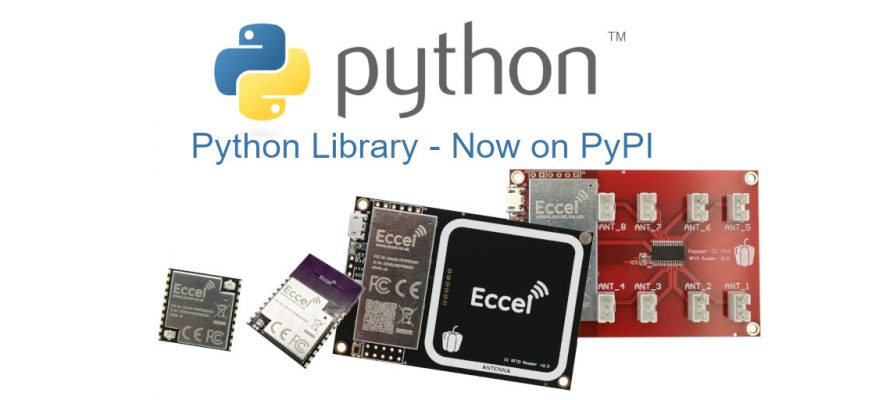
We are pleased to announce the release of the official Pepper family Python library. The package is published on PyPI under the MIT licence and supports Python 3.8 through 3.12.
Installation
pip install pepper_c1
What the library covers
The driver supports all four major tag families handled by the Pepper readers:
- MIFARE Classic (1K / 4K) – block read/write with Key A and Key B authentication
- MIFARE Ultralight (including NTAG 2xx family) – page read/write
- MIFARE DESFire EV1/EV2 – application selection and AES128 mutual authentication
- ICODE (ISO 15693) – block read/write
Communication is handled through two interchangeable transports. Use UARTTransport for a wired USB or serial connection, or TCPTransport to reach a Wi-Fi-connected Pepper C1 over the network. Swapping between them requires changing a single line of code.
The library also exposes the Pepper C1 OTA update mechanism, allowing firmware to be pushed to the device over TCP directly from a Python script.
Quick start
from pepper_c1 import PepperC1, UARTTransport
with PepperC1(UARTTransport('/dev/ttyUSB0', baudrate=115200)) as reader:
print(reader.get_version())
if reader.get_tag_count():
uid_info = reader.get_uid()
print(f"Tag UID: {uid_info[2:].hex()}")
Full code examples for each tag family – including MIFARE Classic block read/write, DESFire AES authentication, ICODE, TCP transport, OTA firmware update, and error handling – are available on the PyPI project page.
Resources
PyPI: pypi.org/project/pepper-c1/
Python documentation: eccel.co.uk – Pepper C1 Python docs
For technical questions contact us at technical@eccel.co.uk.


